What do the icons mean in my app?
The myenergi app displays a range of icons tailored to your specific setup, showing the real-time status of power usage, generation, and storage. This guide provides an explanation of these icons and the functions associated with each one.
Each icon in the myenergi app offers a quick insight into the status of your energy flow and devices, helping you manage and monitor your home’s energy ecosystem efficiently.
Select an option below to view the icons and their meanings. Some options include hyperlinks for further details.
Tables can't be imported directly. Please insert an image of your table which can be found here.
Vehicle Unplugged
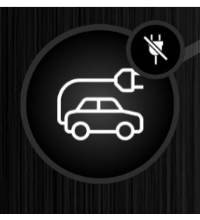
Vehicle Plugged in but Waiting For Surplus
Boosting / Importing due to Stop Start Delay
Tables can't be imported directly. Please insert an image of your table which can be found here.
Stop Mode
Waiting for Surplus
Boosting
Tables can't be imported directly. Please insert an image of your table which can be found here.
Stop ModeDiverting (Circa 60% Charge)
Duration Charge/Discharge (Circa 80% Charge)
Idle (Circa 40% Charge)
Tables can't be imported directly. Please insert an image of your table which can be found here.
Property Demand
Solar Generation
Solar & Battery Output (Hybrid Inverter)